Service
Done-for-you setup: from scratch to your first video, with us alongside you.
Installing CLAQON requires Docker, Google and Meta apps, several keys and secure public access for the connections. We do it with you, on your machine or on a server in your name, and we do not consider it finished until your first video goes out.
What is included
Seven steps, one person on the other end
Initial conversation
Your channels, your platforms, your machine and your budget. We decide what to enable and what to leave off.
Machine preparation
We check the system, the free space and Docker on your PC or on a server in your name.
Verified installation
With the CLAQON installer, which checks the integrity of every file and generates its own encryption secrets on your machine.
Connections
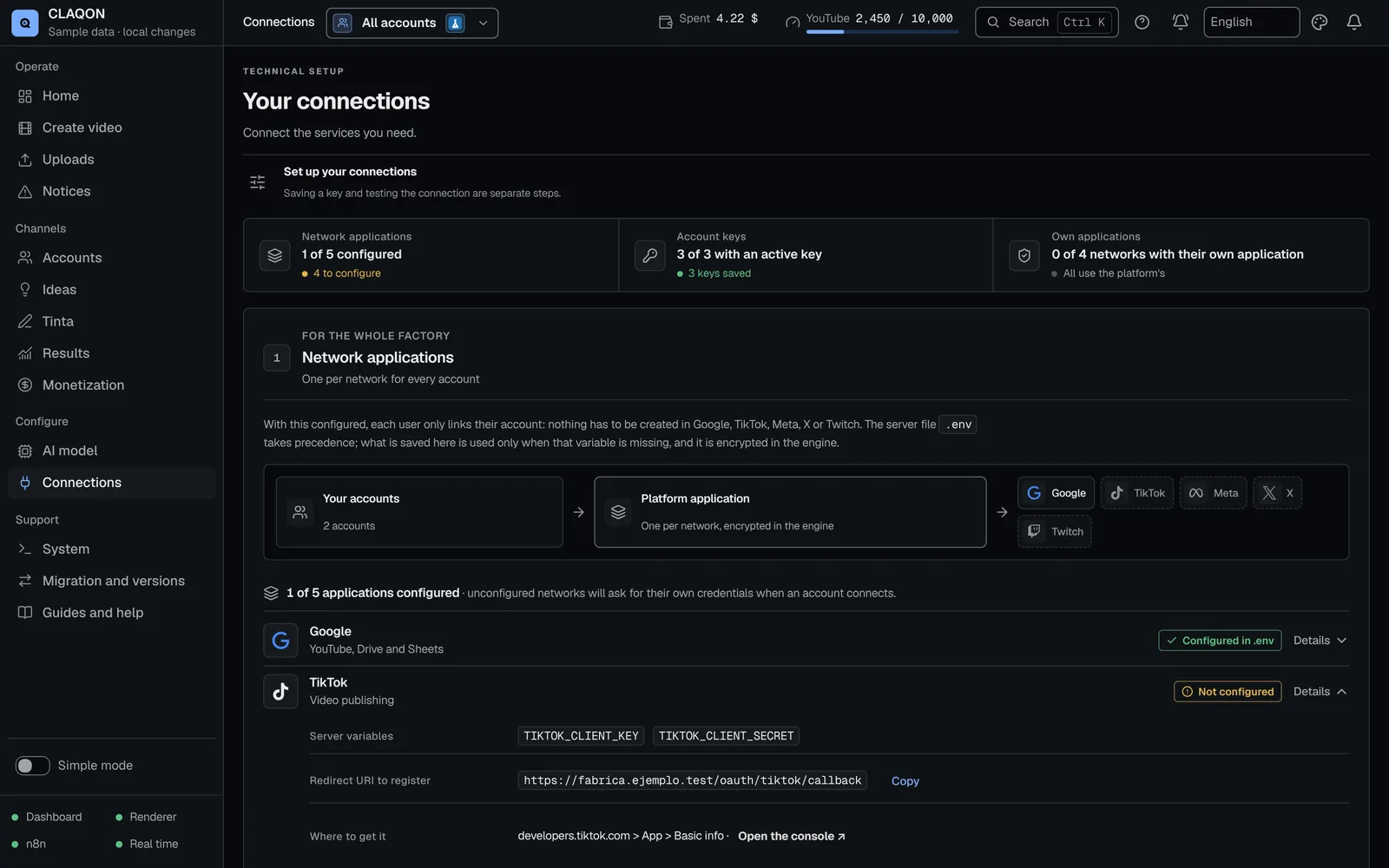
YouTube and Google Drive with your own Google app, Instagram and Facebook with your Meta app, and X if you are going to publish there. We set up the secure public access the connections need.
Accounts and profiles
Each channel with its niche, video type, language, market, slots, budget and spend caps.
First video
We produce it in draft mode, review it with you and only then turn on scheduled production.
Backup
We leave an encrypted backup in place and show you how to restore it and how to move CLAQON to another machine.
Requirements
What we need from you
Machine
- Windows 10 or 11, 64-bit, or Debian or Ubuntu Linux (both installers in beta).
- At least 20 GB of free disk space and enough memory to render.
- A stable Internet connection.
- The machine switched on during production slots, or a server in your name.
Accounts
- Owner access to your YouTube channels, your Facebook Page and your Instagram professional account.
- A Google Cloud account and a Meta developer account in your name (we guide you through creating them).
- If you publish to X, a developer app with its paid plan.
- An AI model key (or a local model) and a free Pexels key.
Your data
How we handle your information during setup
Keys encrypted on your machine
Credentials are stored encrypted in your installation and are not sent back to the browser. We do not take copies of your keys.
Data processing agreement
If we access your system remotely to install it or provide support, we do so under a data processing agreement.
Everything in your name
The Google and Meta apps, the provider keys and the server, if there is one, are in your name from day one.
Questions
Questions about the setup
How long does it take to get CLAQON running?
Installation and configuration are done in one or several sessions, depending on your channels. What varies most are the Google and Meta verifications, which are up to them. We give you a realistic timeline in the proposal.
Do I need a dedicated computer?
It is not mandatory, but it helps: CLAQON only produces while the machine is switched on. If you do not want to depend on your PC, it can be installed on a server in your name.
Can it be installed on a Mac?
There is currently no documented installer for macOS. The options are Windows 10 or 11 (64-bit), Debian or Ubuntu Linux, or a server.
What happens after the setup?
You carry on with your annual licence, which includes signed updates and email support, and with the panel guides for day-to-day work.
How much does it cost?
It is a one-off payment, separate from the licence, with an indicative launch price on the pricing page. On your machine it is optional; with “On your server”, we always do the server setup ourselves. Your written proposal sets the amount according to how many channels and networks we connect.
Setup
Let us get CLAQON running for you
Request your licence and setup proposal in the same form.